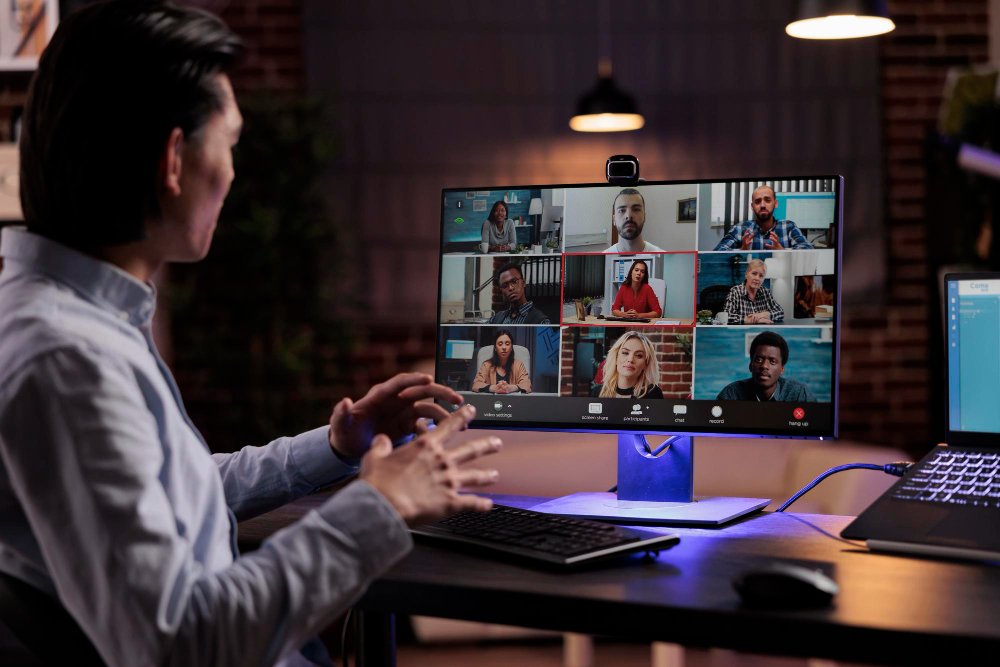
The best AI note taker for most teams is the one that fits where your meetings happen: Otter.ai and Fireflies.ai for broad Zoom, Teams, and Google Meet coverage, Fathom for a strong free plan, Granola for bot-free notes on your own computer, and a dedicated recorder such as Plaud for in-person conversations. Each one records, transcribes, and summarizes, so you can listen instead of typing.
This guide compares the leading options, explains what separates a good AI meeting assistant from a transcript dump, and covers the privacy questions to settle before you press record.
Why Do Teams Use AI Note Takers?
Teams use AI note takers because meetings take a large share of the workday and manual notes are usually incomplete. A tool that captures the full conversation lets every attendee participate instead of half-listening while they write.
The pressure on attention is well documented. Microsoft’s 2023 Work Trend Index found that 68% of people say they do not have enough uninterrupted focus time during the workday, and that the average worker spends 57% of their time communicating in meetings, email, and chat, against 43% creating.
An AI note taker does not shorten the meeting, but it removes the follow-up work: rewriting notes, chasing who agreed to what, and briefing people who missed the call.
What Makes the Best AI Meeting Assistant?
The best AI meeting assistant produces accurate transcripts, useful summaries, and clear action items, then sends them where your team already works. Transcription alone is no longer the differentiator, since most tools now handle clear audio well.
Judge each option on these points:
- Platform coverage: support for Zoom, Microsoft Teams, Google Meet, and in-person audio
- Summary quality: decisions and next steps, not a shorter copy of the transcript
- Speaker labels: reliable identification of who said what
- Search: the ability to find a topic across months of meetings
- Integrations: pushing notes to Slack, Notion, a CRM, or a project tool
- Admin controls: consent notices, retention settings, and who can view recordings
How Do the Leading AI Note Takers Compare?
The leading AI note takers differ mainly in how they join meetings, how generous their free plans are, and which teams they suit.
| Tool | How it captures audio | Best for | Watch out for |
| Otter.ai | Bot joins Zoom, Teams, and Meet; live transcription | General business meetings | Free plan has monthly limits |
| Fireflies.ai | Bot joins calls; strong search and integrations | Sales and customer teams | Bot presence can surprise guests |
| Fathom | Bot joins Zoom, Teams, and Meet | Individuals who want a free plan | Advanced team features cost extra |
| tl;dv | Bot joins calls; multilingual support | Global and remote teams | Summary depth varies by plan |
| Granola | Records your computer’s audio, no bot | People who dislike meeting bots | Fewer team admin features |
| Plaud Note | Wearable or pocket recorder | In-person meetings and interviews | Hardware purchase required |
Pricing and plan limits change often, so check each vendor’s current pricing page before you commit.
Which AI Note Taker for Zoom Works Best?
The best AI note taker for Zoom depends on whether you want a separate tool or the one built into your Zoom account. Zoom’s own AI Companion is included with many paid Zoom plans and can generate meeting summaries without adding a third-party bot.
Third-party tools still win on cross-platform search. If your team also meets on Teams or Google Meet, a tool like Otter.ai, Fireflies.ai, or Fathom keeps every transcript in one searchable library instead of splitting it across three platforms. Microsoft Teams offers similar built-in recaps through Copilot, and Google Meet offers “Take notes for me” with Gemini on eligible Workspace plans.
Is There a Good Free AI Meeting Note Taker?
Yes. Several tools offer a free AI meeting note taker plan that covers light use, though limits on minutes, storage, or summaries apply.
Fathom is widely known for its generous free tier for individual users. Otter.ai, Fireflies.ai, and tl;dv also run free plans with monthly caps. A free plan is a good way to test transcript accuracy on your real meetings, with your accents, audio quality, and vocabulary, before paying for seats.
Pro tip: Run two tools on the same meeting for a week, then compare the summaries side by side. The better tool is the one whose action items you would actually send to the team without editing.
How Do You Use an AI Note Taker for In-Person Meetings?
An AI note taker for in-person meetings works from a phone app, a laptop microphone, or a dedicated recording device placed on the table. Since no video call exists for a bot to join, the tool needs direct access to room audio.
Mobile apps from Otter.ai and similar tools can record and transcribe from a phone. Hardware recorders such as Plaud Note are built for this case, with better microphones and long battery life. Granola can capture audio from your computer during a face-to-face conversation as well. For best results, place the device near the center of the room and limit background noise.
What Privacy Rules Apply to Recording Meetings?
Recording rules depend on where participants are located, so always tell attendees a meeting is being recorded and get consent. In the United States, some states, including California, require every party to agree before a conversation is recorded.
Good practice for any team:
- Announce recording at the start of the meeting
- Use tools that display a visible recording notice to guests
- Set retention rules so recordings are not stored forever
- Limit access to sensitive meetings such as HR or legal discussions
- Review the vendor’s data policy, including whether recordings are used to train AI models
Frequently Asked Questions
What is the best AI note taker overall?
There is no single winner. Otter.ai and Fireflies.ai suit most business teams, Fathom suits individuals who want a free plan, and Granola suits people who prefer no meeting bot.
Do AI note takers work with Microsoft Teams?
Yes. Most leading tools, including Otter.ai, Fireflies.ai, Fathom, and tl;dv, support Teams. Microsoft also offers built-in recaps through Copilot on eligible plans.
Are AI meeting notes accurate?
Accuracy is generally strong on clear audio with one speaker at a time. Crosstalk, heavy accents, and poor microphones reduce accuracy, so review notes before sharing them.
Can an AI note taker join a meeting without me?
Some tools can join scheduled calls automatically from your calendar. Check your organization’s policy first, since an unattended bot may not be welcome in every meeting.
Pick the Note Taker That Fits How You Meet
The right AI note taker removes the busywork after a meeting and gives your team one reliable record of what was decided. Start with where your meetings happen, test free plans on real calls, and settle consent rules before rolling a tool out to everyone.
TechStackly tests and compares the AI tools and SaaS software that small teams actually use. Explore our AI productivity tools guide for more ways to cut busywork from your week, and check back as we add hands-on reviews.
Leave a Reply